Design your success story today
Reduce recruitment costs, with a significant reduction in the use of third-party agencies.
Build a range of talent pools of skilled, 'at-the-ready' candidates to meet your future talent needs.
Elevate your performance metrics, like time to fill, while significantly increasing the quality of hire and new hire retention.
Increase your employer brand value, and position your organization as an employer of choice.
Leverage reporting, data and insights to create operational excellence and superior risk management.
Flexible, scalable and custom solutions define a Hudson RPO talent partnership. With Hudson RPO, you’ll discover high-value services that exceed expectations, without fitting you into pre-designed, bundled services. In the company of hard work and dedication to our clients, we are proud to be recognized year after year by industry analysts as top performers in various industries.
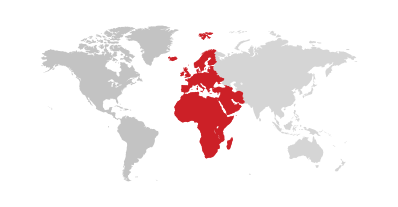
Hudson RPO installed on-site teams in multiple countries across the EMEA region to manage critical volumes of vacancies for an international electronics manufacturer. The teams achieved 100% hiring manager satisfaction, after which our solution expanded to cover additional regions.
Within one year, Hudson RPO built a collaborative framework for recruitment across four of the firm’s regional headquarters the Americas region resulting in 400+ annual hires
With no centralised recruitment function, costs were high and time to fill was slow for this global pharmaceutical company. As their Total Talent Solutions provider, Hudson RPO was able to reduce cost per hire by 50% and time to fill by 60% while improving candidate and hiring manager satisfaction.


The right talent solution is a conversation away. Whether you’re developing the power of people at the organizational or departmental level, country-wide or globally, top industry advice and personal service will always be provided.
Looking for careers? Please visit Hudson RPO Careers
"*" indicates required fields